

Ski Club Pro FAQ
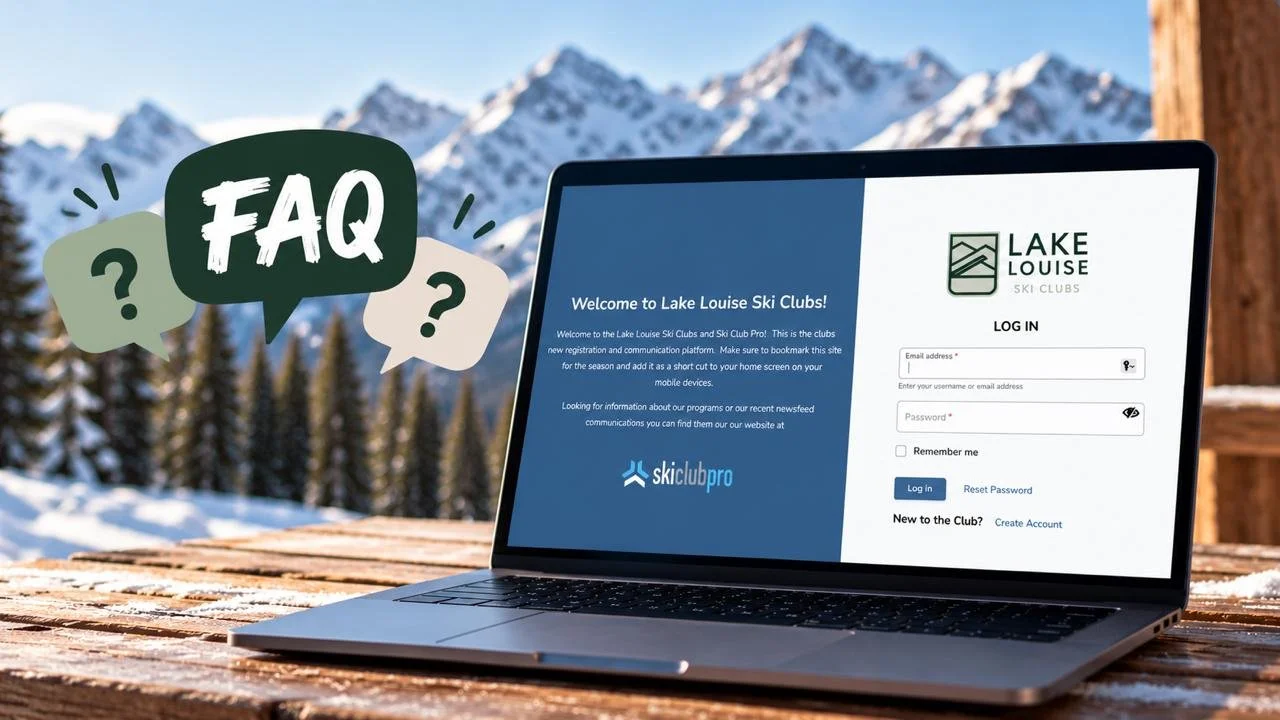
I have been receiving a number of questions about Ski Club Pro (SCP) or information that can be found in it so I thought a short FAQ could be helpful.
-
No SCP is a web based platform however it has been optimized to use on mobile devices. I encourage you to make a shortcut to it on the Home Screen of your phone. This can be done directly from your devices browser.
-
If you scroll down to the bottom of your Dashboard you will find a section called Orders. Here you will find a list of all the orders you have processed in the system, including programs, events and merchandise purchased. Click on the order numbers to see the details as well as payments.
-
There are two sections on the Dashboard that will show this information, My Payment Plans and My Invoices. If both sections are empty you have paid in full. You can still access these purchases through the Orders section.
-
Again from the Dashboard, click on the athlete’s name under My Teams, then click on their team. If they participate in add-on activities you may see more than one team listed here. Click on the appropriate team and from there on the Roster tab which will be at the top. You will find all coaches and their contact information listed here.
-
I have noticed many families have opted out from receiving club communication. To determine if this is the case, click on My Household and then your name. Scroll down the screen, there you will see the option to opt in to our communications both for email and SMS. Please make sure you are subscribed to both. The majority of the clubs’ and coaches’ communications will be via email, however we intend to use the SMS feature to notify you for more urgent matters such as delayed starts due to cold temperatures.
-
Click on My Household and then your name. Scroll down and select the Private checkbox. This will hide your information from everyone but our staff.
-
All add-ons are available under Series in the left-hand column. They have be sorted by program so all add-ons available to your athlete will be in their program’s section.
-
You will find any merchandise we have to sell under Store in the left-hand column.
-
Availability is the one feature SCP does not offer that we need. They are working on adding it for us. In the meantime, we will be using an app called Spond. You will received communication about this app, as well as an invitation to join your athletes group closer to when they will be starting on snow.